

myS1 Automations
Hand the follow-up to an automation, and keep the final say
Build automations that route records, send follow-ups and wait for your approval, without writing a line of code. The routine work runs itself.
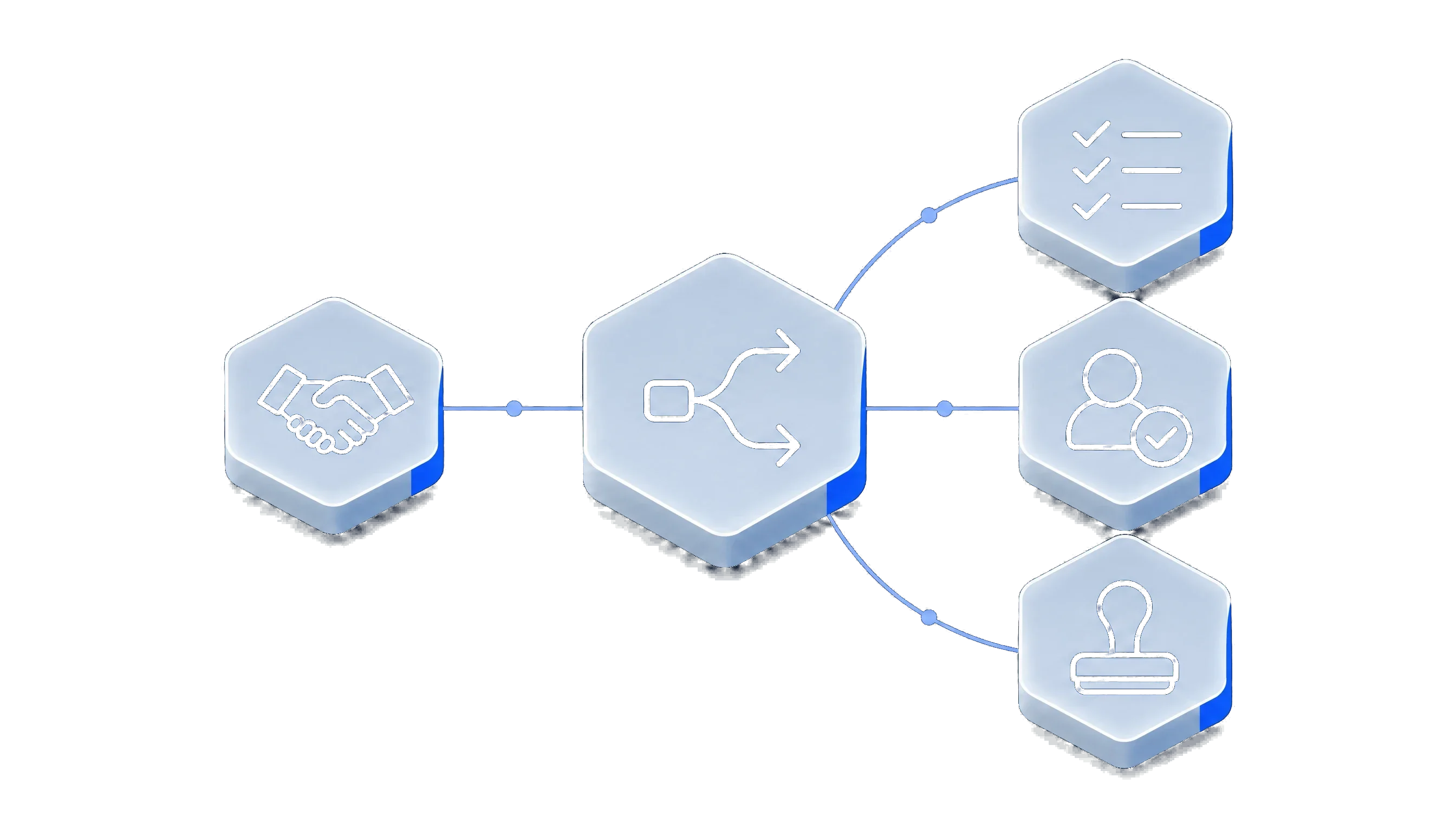
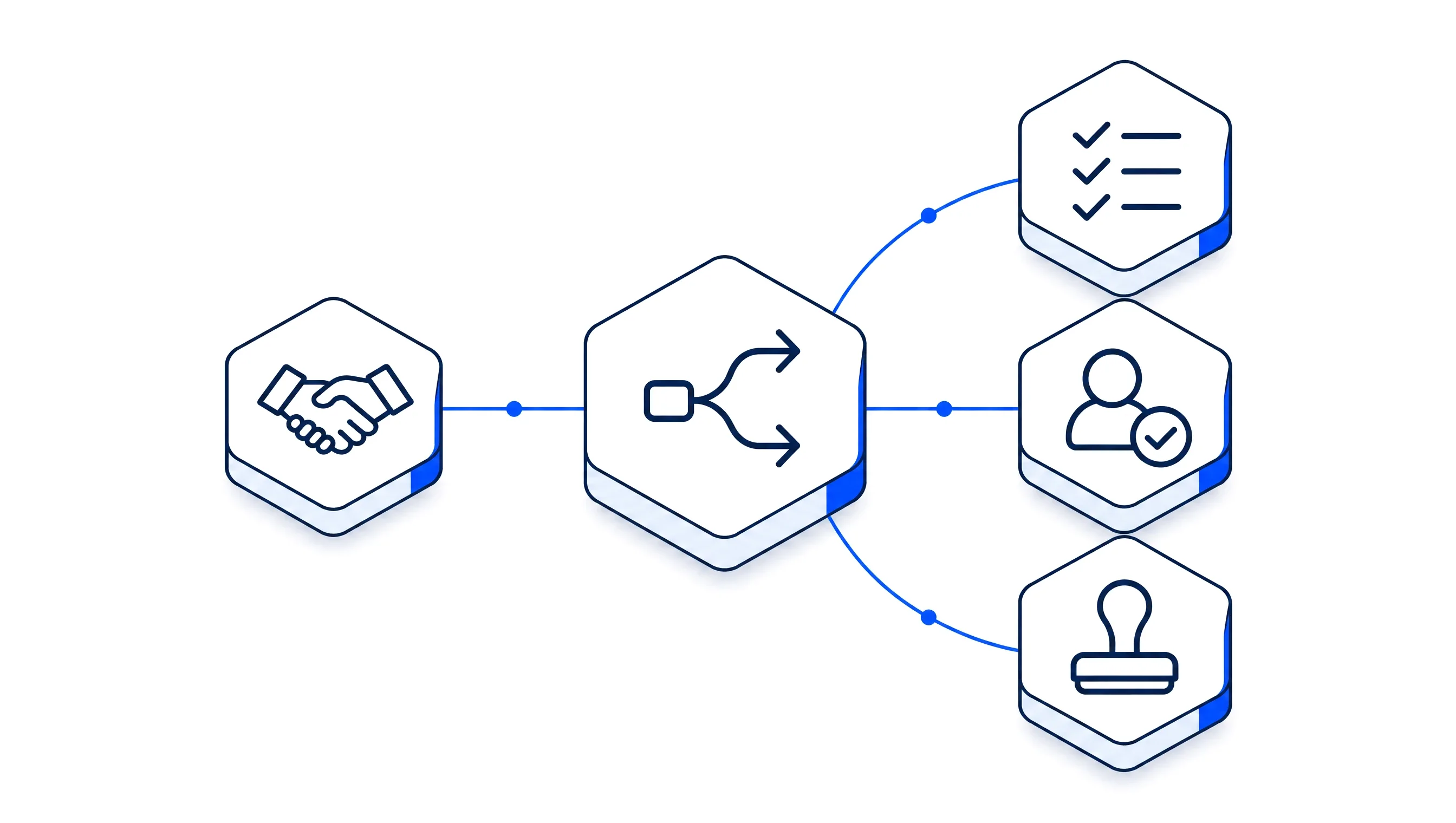
Workflows that act, wait and ask a person to approve
Every business has work that is the same each time: the first task on a new deal, the nudge on a stalled one, the discount that needs a manager’s yes. myS1 Automations makes that work happen by itself, so your people spend their time on the customers.
You build an automation as a list of steps or on a visual canvas, choosing what starts it, what it checks and what it does. Before it goes live you can run it against a real record and see exactly which path it would take.
When a step needs a human decision, the run pauses and the request lands in the approvals inbox. Runs are built to last: they survive restarts and long waits, and every run keeps a timeline you can read afterwards.
What myS1 Automations does
- Build it the way that suits you
Work through a guided list of steps or draw it on a visual canvas. Both edit the same automation, and the builder reads it back to you in plain language as you go.
- Start it from anything
On a schedule, when something happens in myS1, from an incoming webhook, or by hand. Schedules are picked from a list, never written as code.
- Decide, wait and ask
Branch on a condition, pause for a set time, or stop and wait for a person to decide.
- Real work, done for you
Create a task, update a deal, assign an owner, add a note, send an email or a notification, look up a catalogue price, or call another system.
- Test it before it touches anything
Run the path against a sample or one of your own records and see which branch it takes. Nothing is sent and nothing is changed.
- Change it with confidence
Work in a draft, publish a numbered version, pause or archive it, and compare any two versions in the history.
- See every run
Each run keeps a timeline of its steps. A monitor for the whole workspace shows what is running, stuck or failed, with retry and stop.
- One inbox for every decision
Requests that need a person arrive in one approvals inbox, to be approved, rejected or delegated. Every decision is written to the audit trail.
Make myS1 Automations work the way you do
Every automation is yours from the first step: what starts it, what it checks, what it does and who has the final say.
- Your own triggers
- Start from a schedule, an event in any module, a webhook from another system or a button, whichever fits the job.
- Your own conditions
- Branch on the fields that matter to you, including the custom fields you added to your CRM.
- Your own approvals
- Choose who decides at each approval step. They can approve, reject or hand the decision to someone else.
- Your own actions
- Chain as many steps as the job needs, across the CRM, the catalogue, email and your other systems.
- Your own views
- Save your views of the run history, such as failed today or waiting for approval, and open them with a click.
- Your own access
- Decide who can build automations and who can only see what they have done.
How myS1 Automations works with the rest of myS1

myS1 CRM
A new deal, a changed stage, a contact, a company or a task can start an automation, and automations write back to those records.
myS1 Email Studio
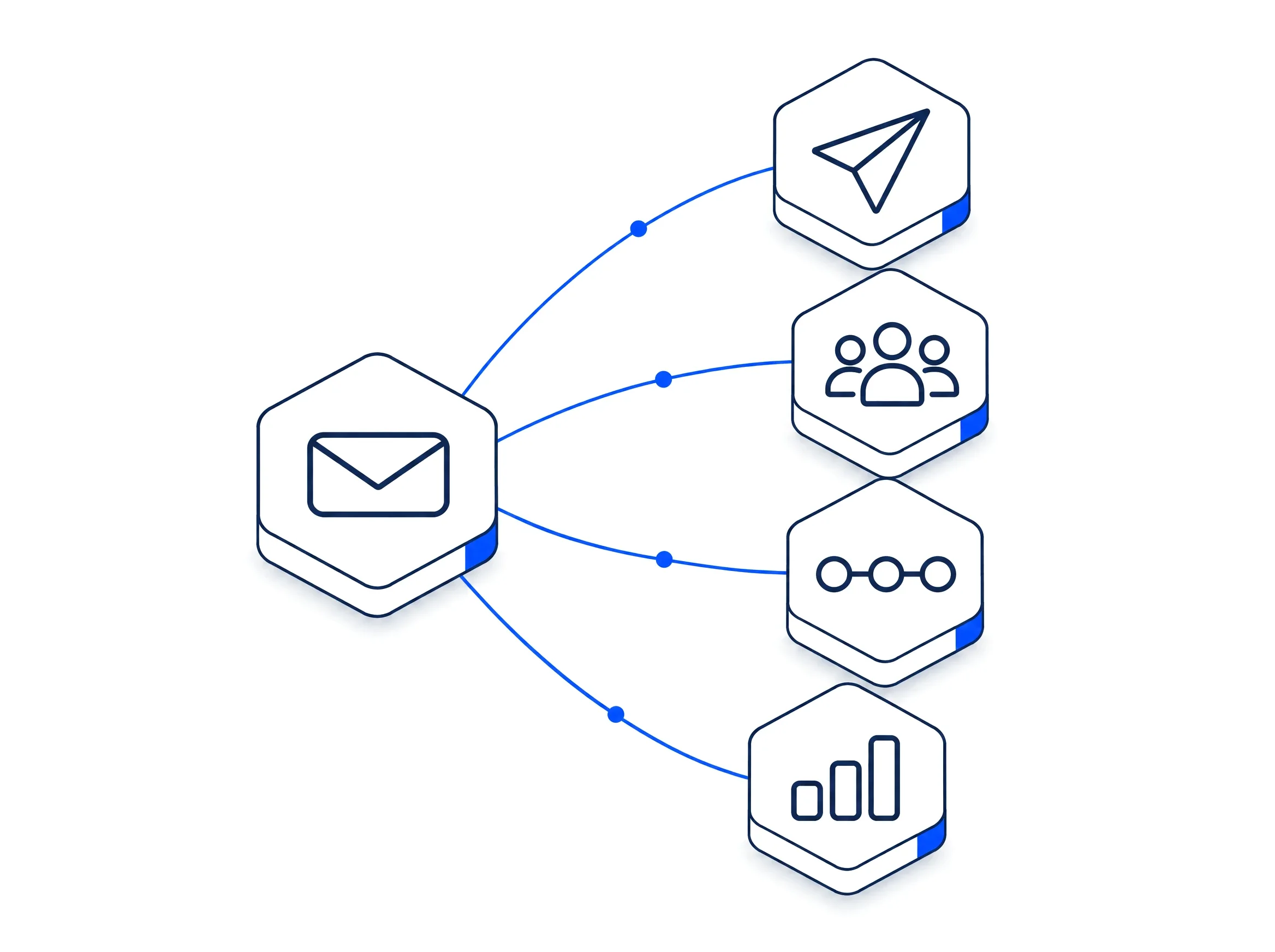
An email being sent, opened, clicked or bounced can start an automation.
myS1 Catalogue
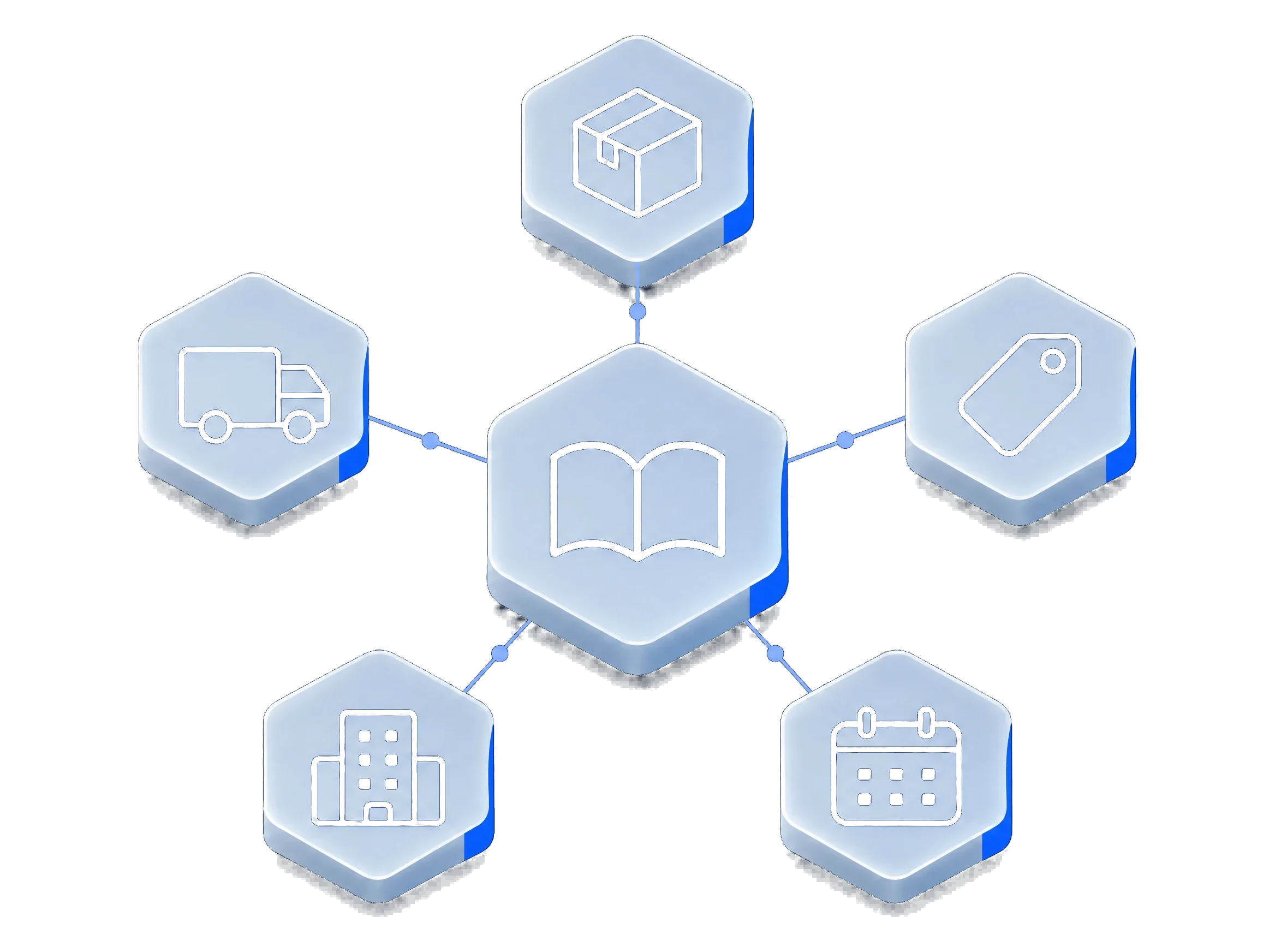
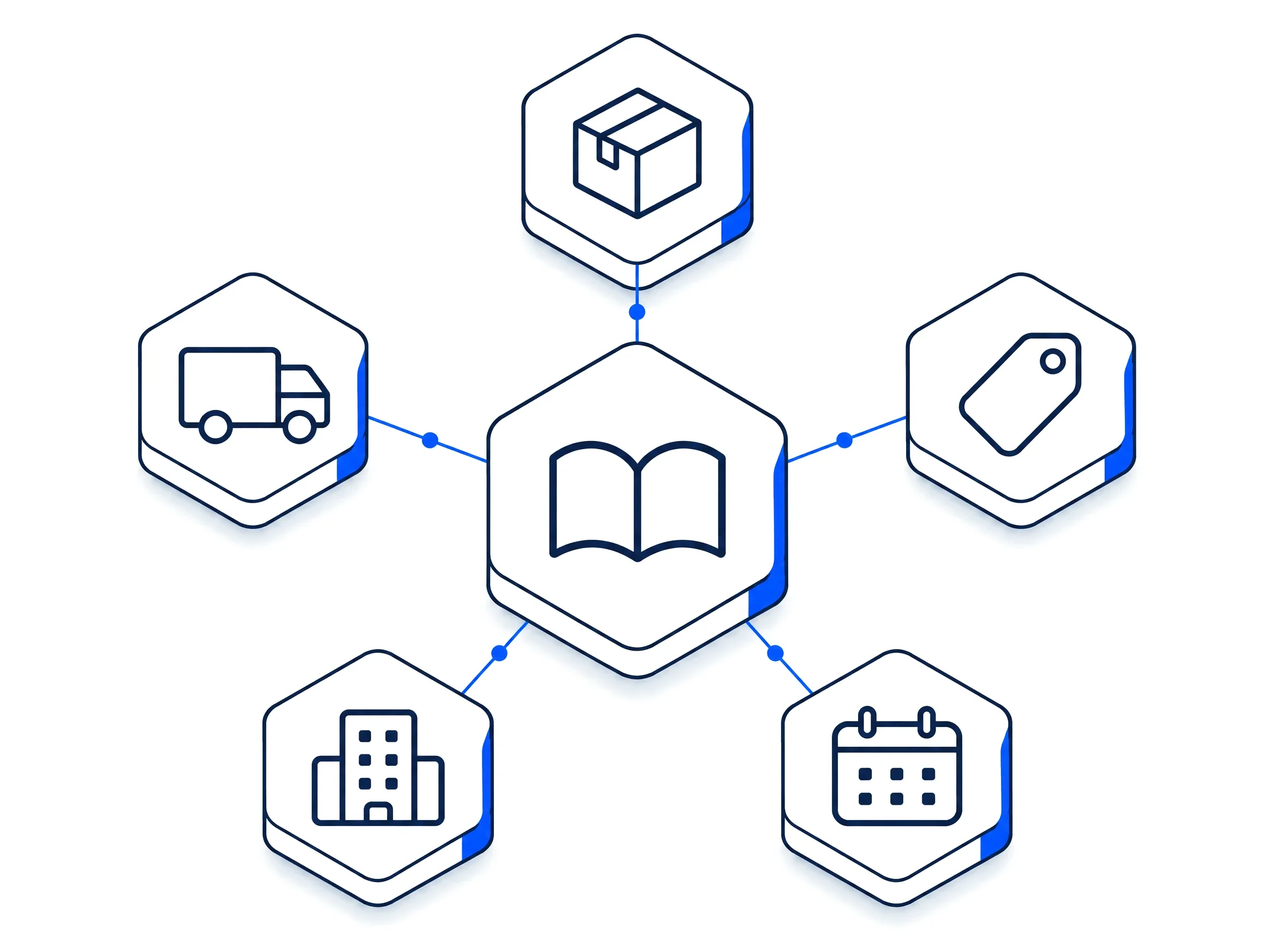
An automation can look up the price of an item for a given customer.
Ask Otto
On plans that include it, describe what you want in plain language and Ask Otto drafts the automation for you to review.
Explore the other modules in myS1
- myS1 CRMCompanies, contacts and deals
- myS1 CatalogueItems and dated price books
- myS1 QuotesAccepted online by link
- myS1 InvoicingInvoices and statements
- myS1 Email StudioCampaigns and journeys
- Ask OttoThe AI assistant in myS1
- Personas and dashboardsA home screen per role
- Every moduleAll of them on one page