
Every part of your business, working from the same records
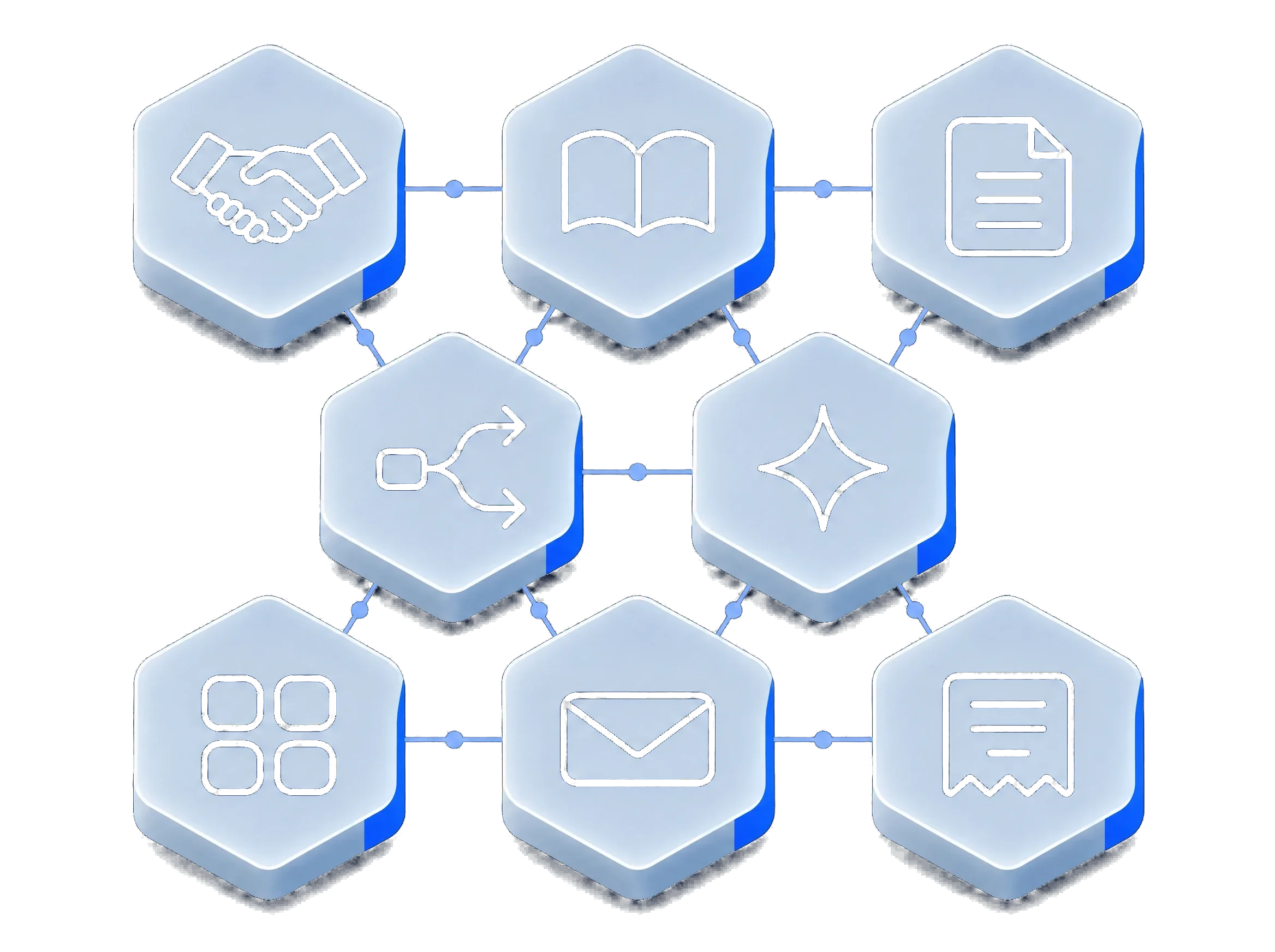
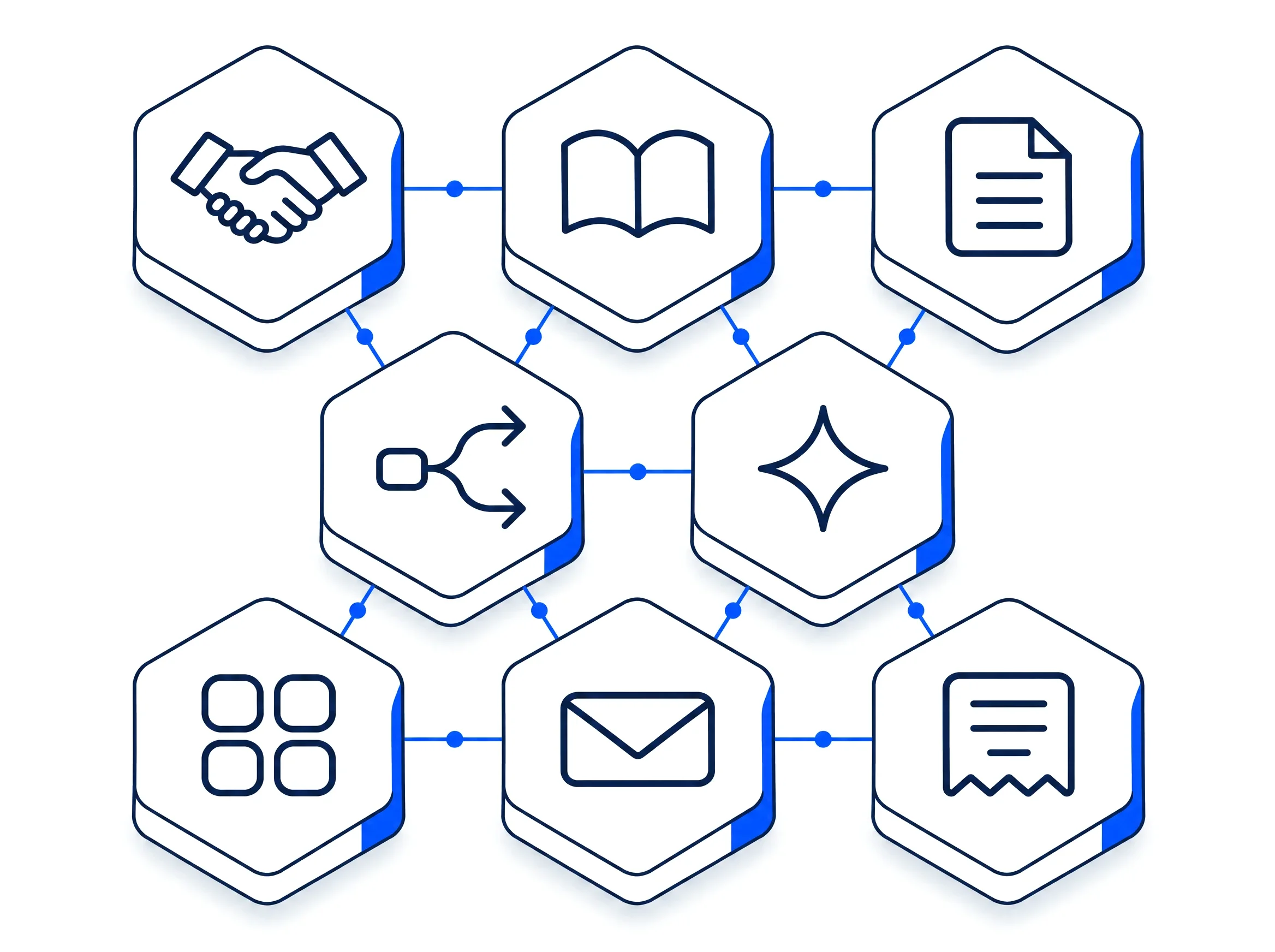
A quote knows the deal it belongs to, and an invoice knows the quote it came from. myS1 Automations and Ask Otto see all of it, and one audit trail records every change.
One record carries every sale, from first contact to final statement
A contact becomes a deal, the deal becomes a quote, and the accepted quote becomes the invoice. Nobody retypes a thing, so nothing gets lost between sales and accounts.
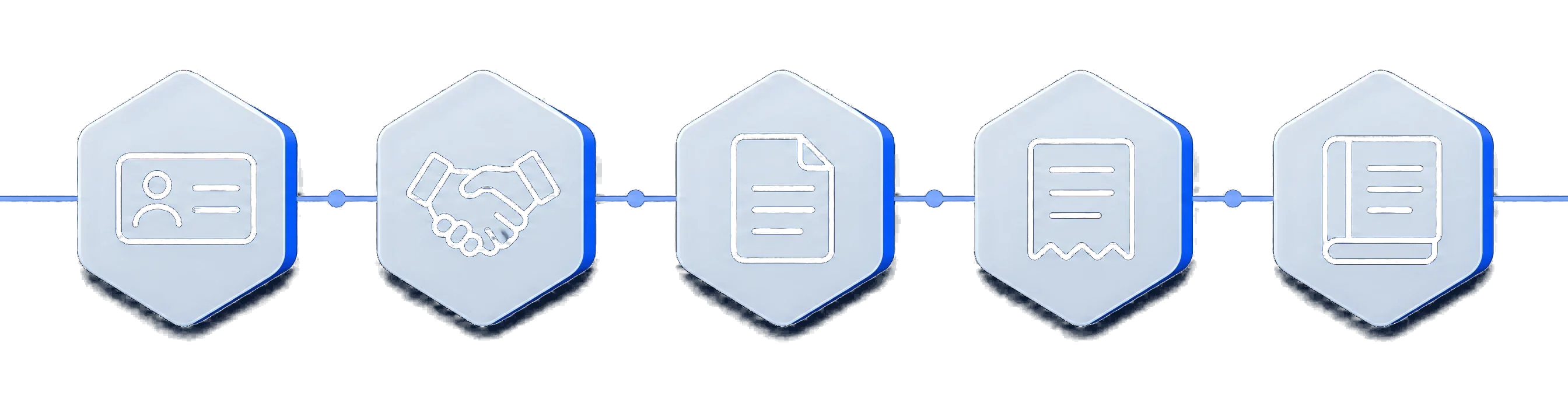
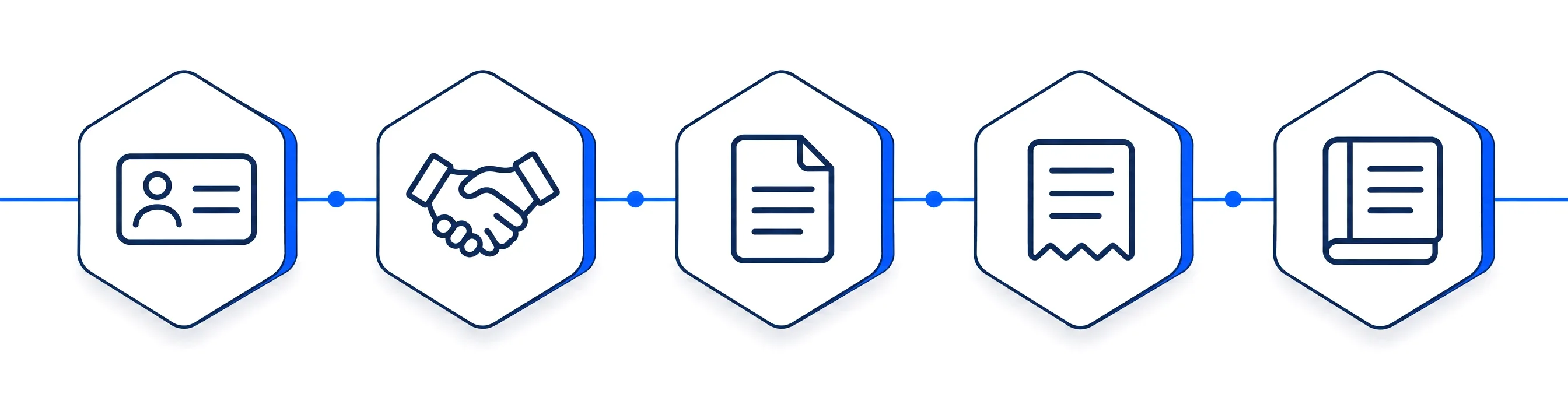
- ContactA company and a person
- DealOn your pipeline
- QuotePriced from the catalogue
- InvoiceFrom the accepted quote
- StatementWhat is still owed
Each step hands its work to the next, so nobody starts from a blank page
The deal arrives in the quote with its customer and its prices, and the accepted quote arrives in the invoice, with nothing typed twice.
- myS1 CRM to myS1 Quotes
Start the quote from the deal. Sending it sets the deal's quoted value, and the customer's yes sets its accepted value.
- myS1 Catalogue to myS1 Quotes
Quote lines come straight from the catalogue, priced from the right book for that customer on that date.
- myS1 Quotes to myS1 Invoicing
An accepted quote becomes an invoice with nothing retyped.
- myS1 Invoicing to myS1 CRM
Every deal shows its invoices, and every company shows its invoices and statements.
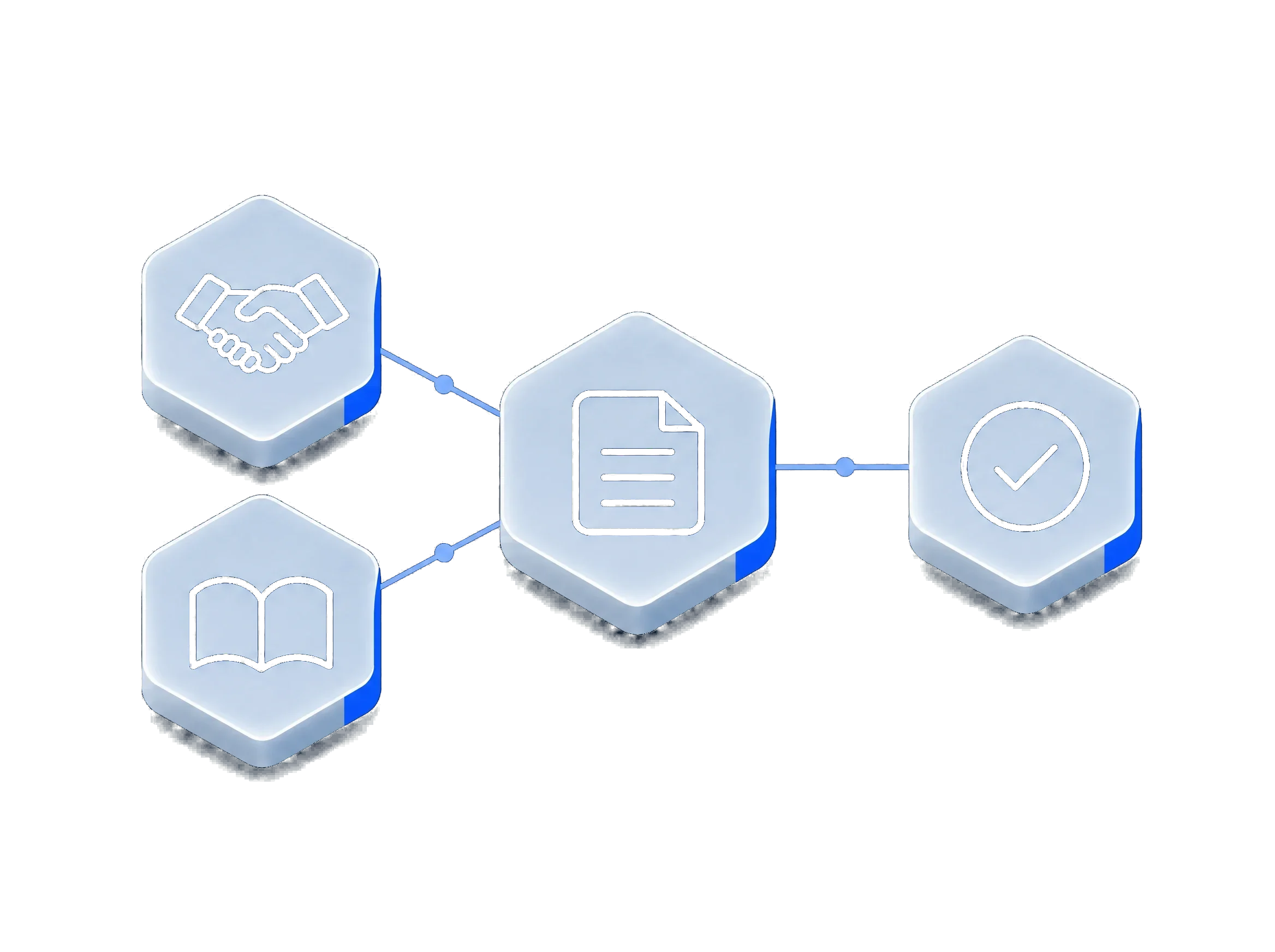
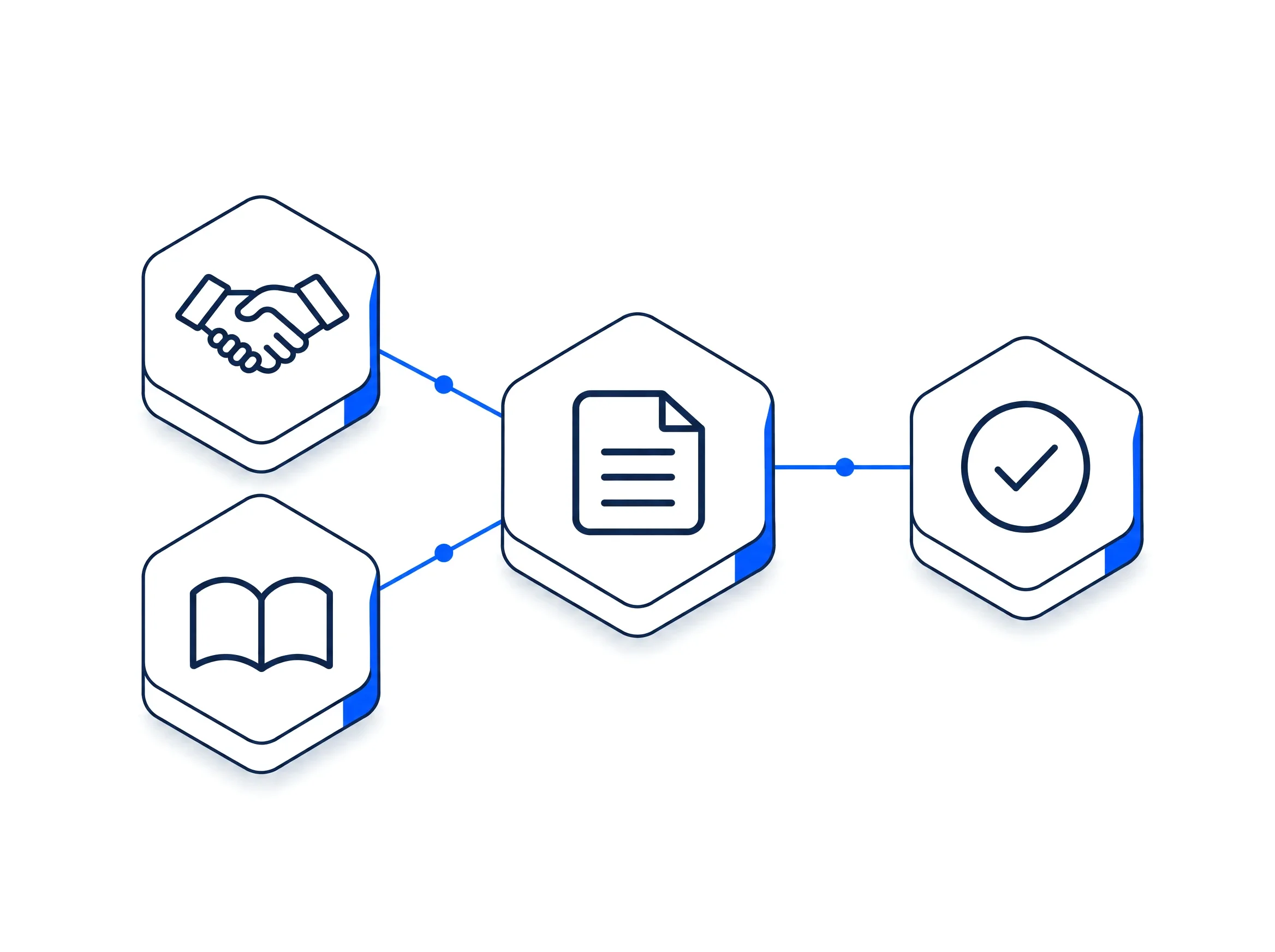
Helpers that work across everything in myS1
myS1 Automations do the follow-up, Personas give each role its own home screen, and Ask Otto answers questions from your records.
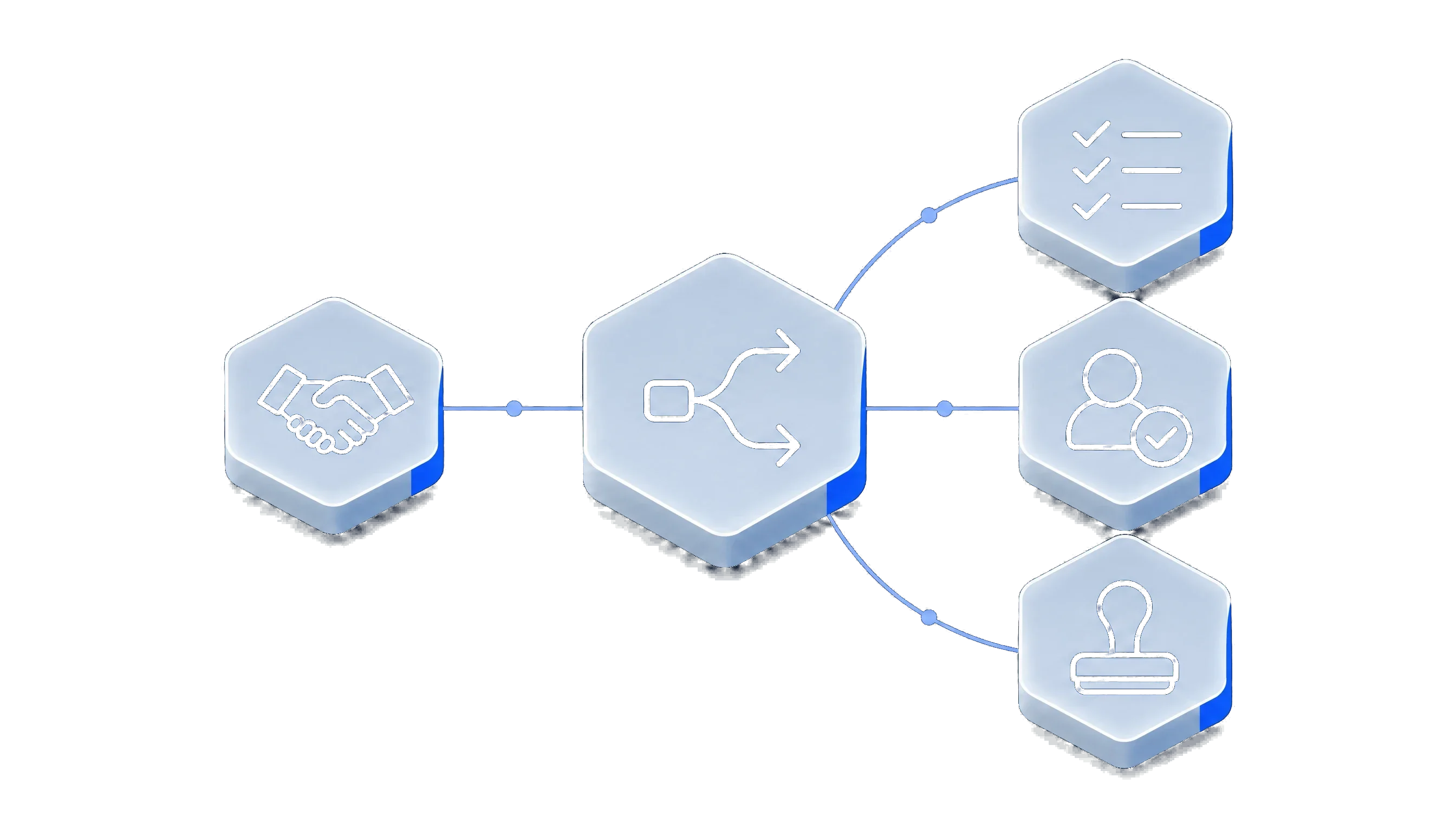
myS1 Automations
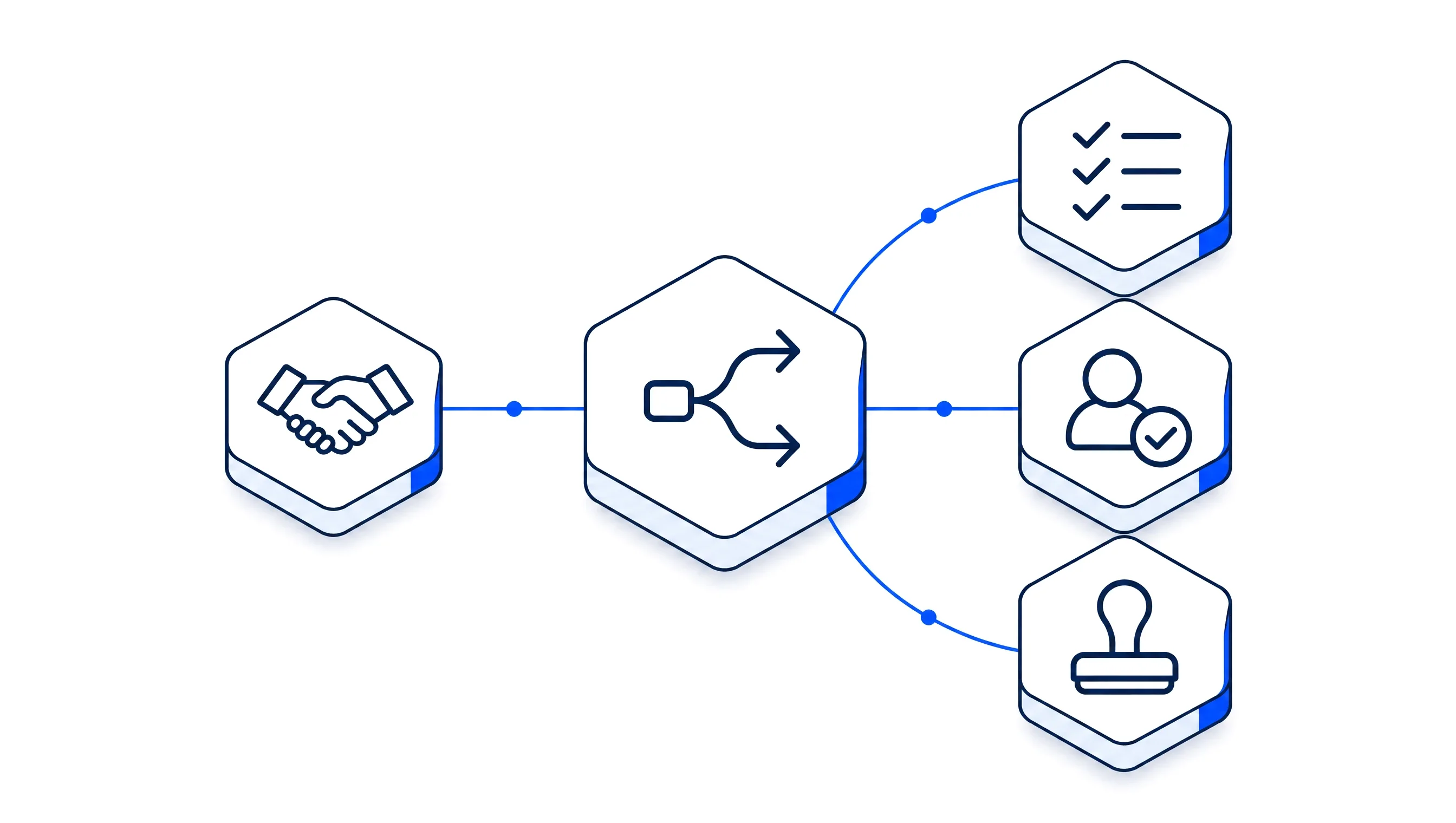
Build automations that route records, send follow-ups and wait for your approval, without writing a line of code. The routine work runs itself.
See myS1 Automations
Personas and dashboards
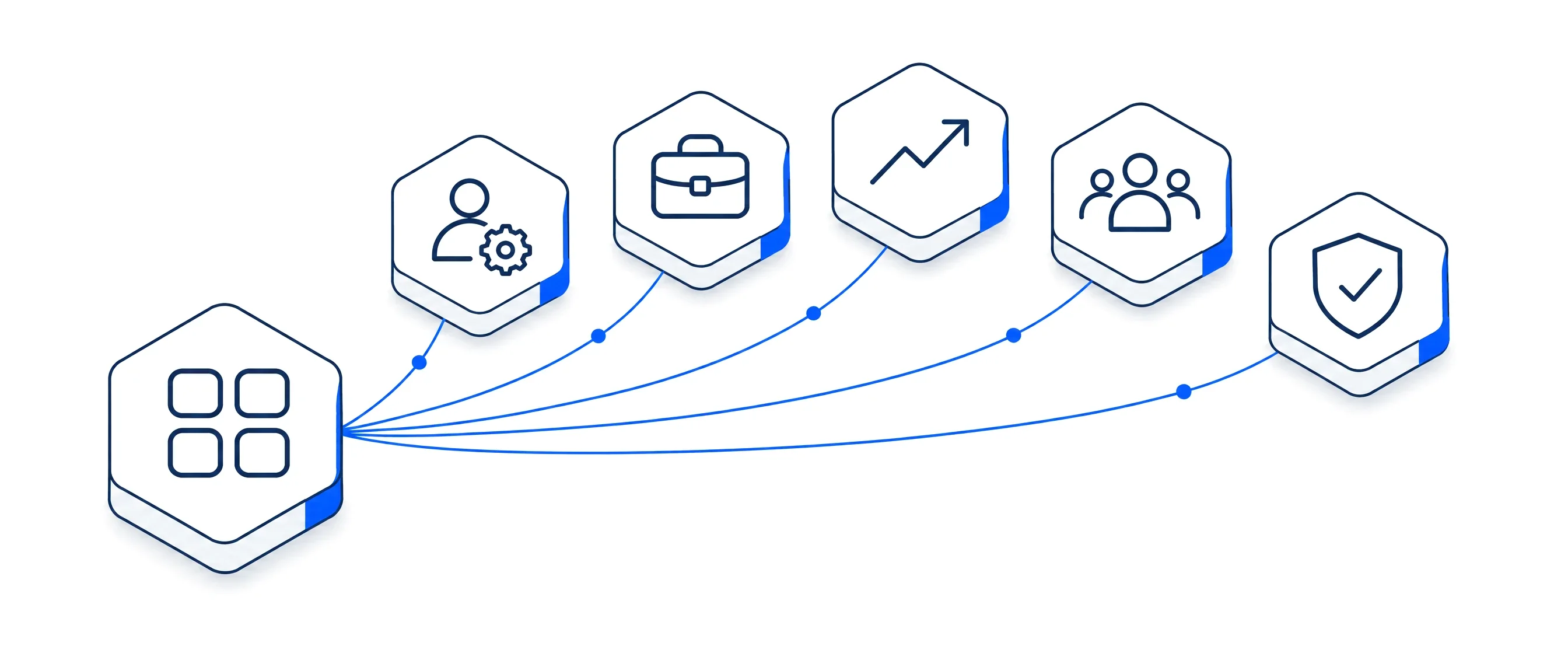
Personas and dashboards put the right numbers, lists and shortcuts in front of each person the moment they sign in.
See Personas and dashboards
Ask Otto
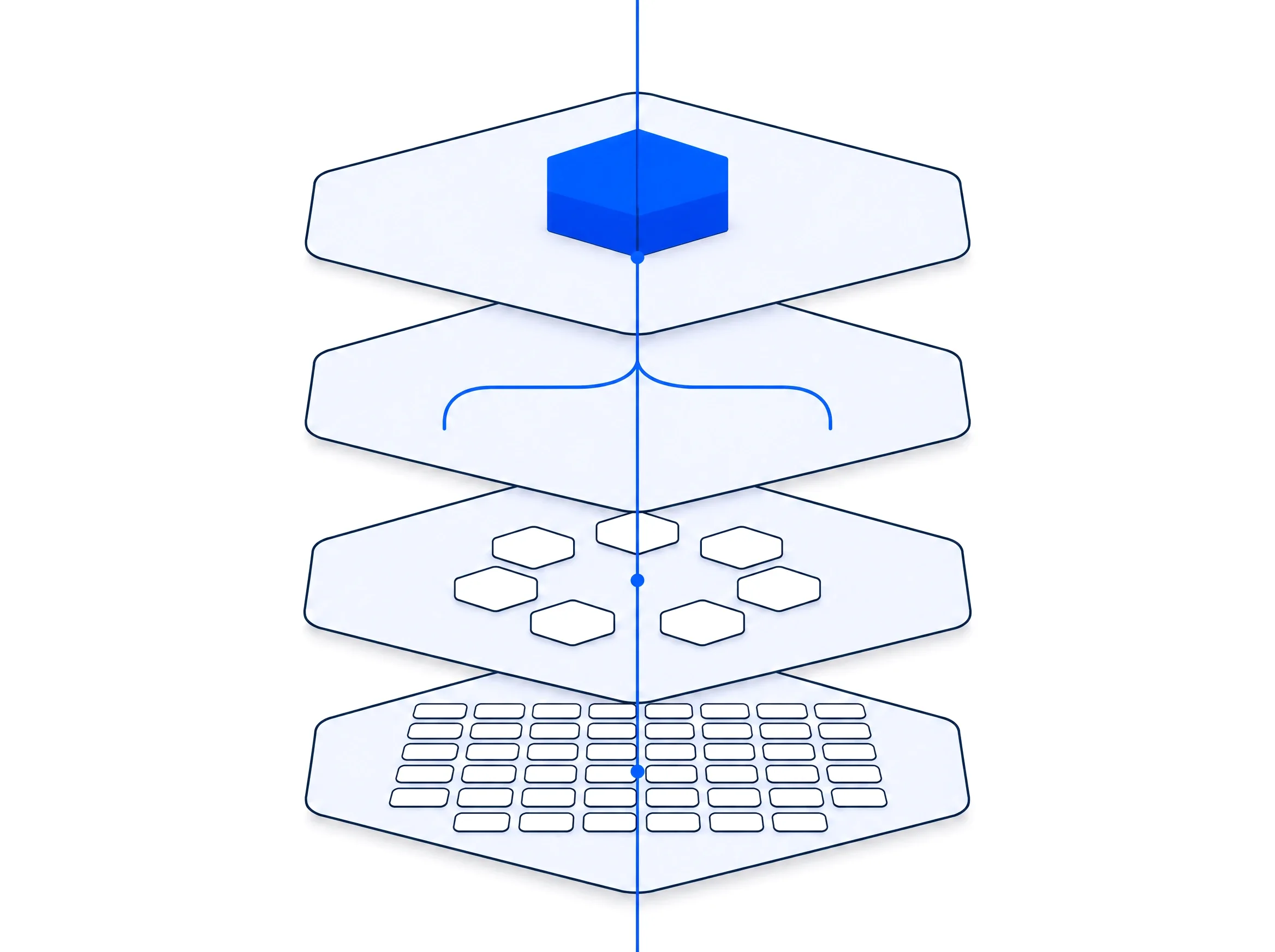
Ask Otto is the AI assistant in myS1. It finds answers in your own records, explains them and prepares work, and nothing changes until you approve it.
See Ask Otto
One record of who did what, across all of myS1
- An audit trail of who did what
Sign-ins, changes and exports are recorded with the person, the action, the record, the time and the context.
- Tamper-evident records
Each audit entry carries a hash linked to the entry before it, so an integrity check can detect an edit.
More parts of your business, already connected
Vendors, branding, tax and banking, commission, your mailbox and your other systems work inside the modules you already use, so there is nothing extra to keep in step.
Vendor Programs
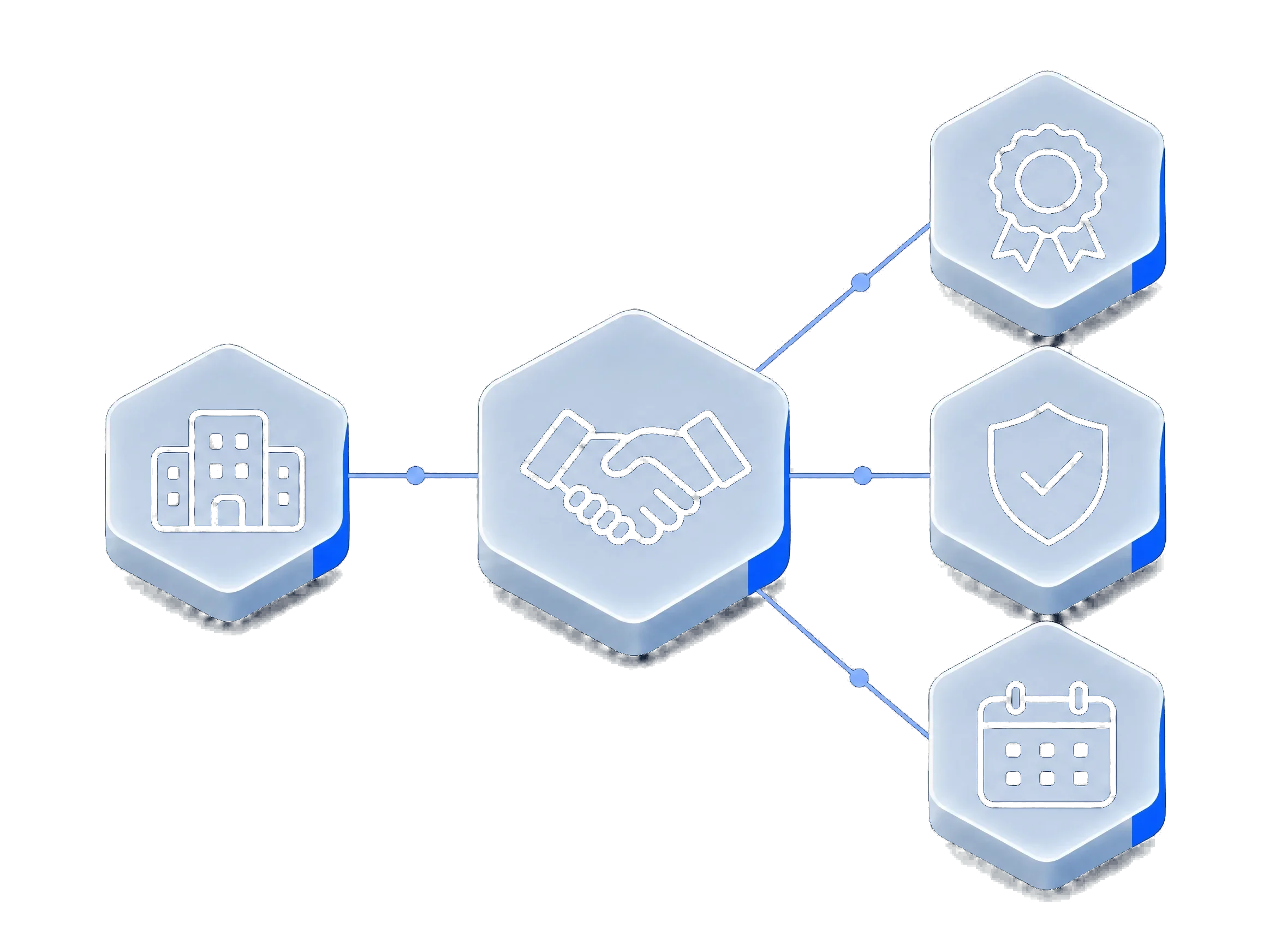
Every vendor programme, partner tier and deal registration, kept beside the deals they belong to.
- Programmes and memberships
- Your partner number, tier, territory and expiry date for each vendor programme you belong to.
- Deal registrations
- Register a deal with a vendor from the deal itself, and follow it from submitted to approved.
- Reminders before expiry
- myS1 tells you before a membership or an approved registration runs out.
- Supplier terms, kept close
- Account numbers, payment terms and rebates, seen only by the people you choose.
Works with myS1 CRM, myS1 Quotes and myS1 Catalogue.
Branding Engine
Your logo, colours and company details on every quote, invoice, statement and email myS1 sends.
- One brand kit
- Logo, colours, legal name, registration number and address, set once.
- On every document
- Quotes, invoices and statements carry your brand and your legal details.
- On every email
- Campaigns and document emails go out in your colours, under your name.
- Your sign-in page
- Your team signs in to a page that looks like your business.
Works with myS1 Quotes, myS1 Invoicing and myS1 Email Studio.
Tax and Banking
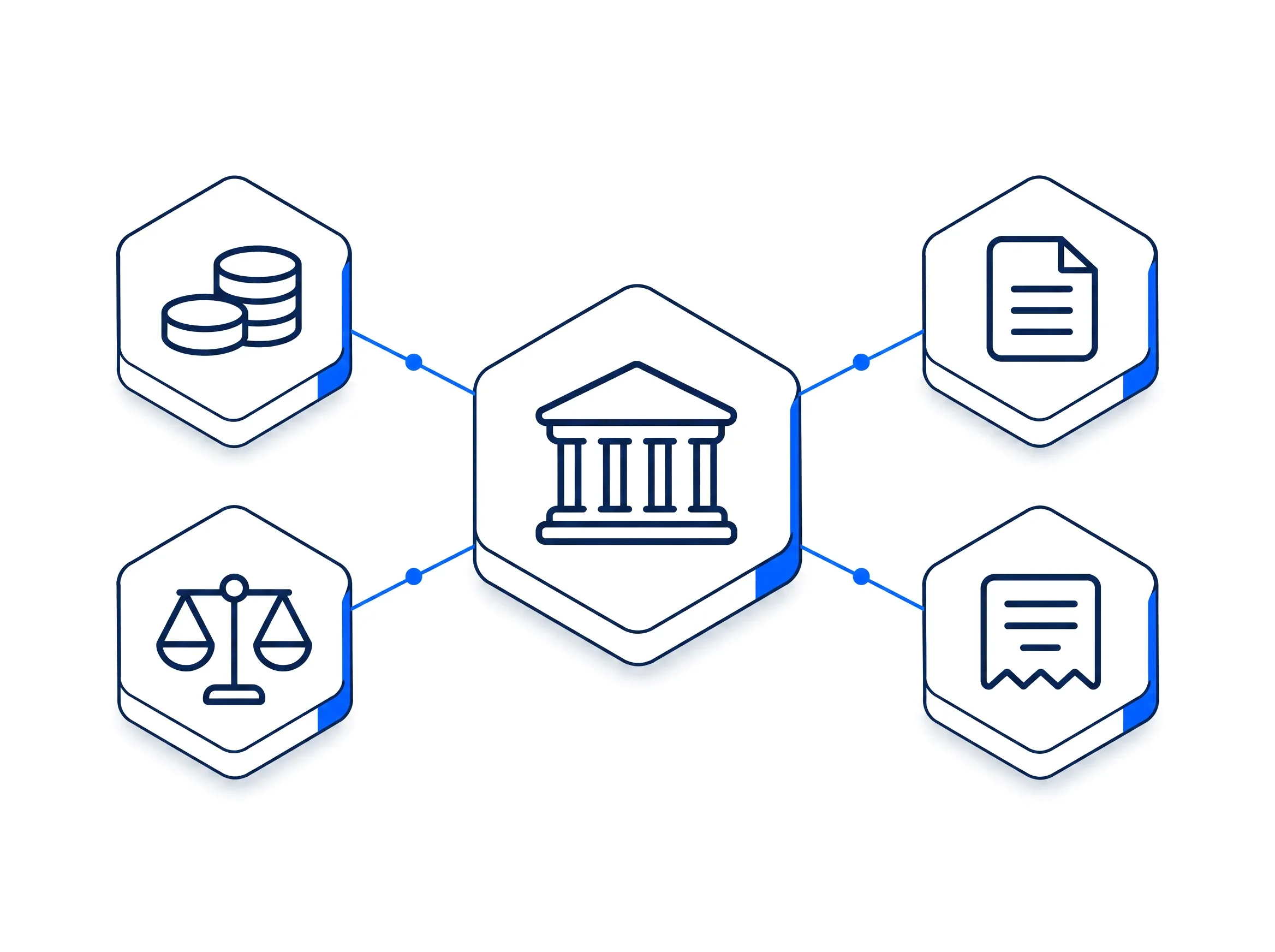
VAT rules kept up to date centrally and your bank accounts managed in one place, so every document carries the right tax and the right banking details.
- Tax rules kept for you
- South African VAT rules are maintained centrally and reviewed before they are released.
- Tax on every line
- Quotes and invoices work out VAT from the same rules, line by line.
- Bank accounts in one place
- Add your accounts once and choose which one prints on each document.
- A record for the tax year
- Tax records are kept with the documents they came from.
Works with myS1 Quotes and myS1 Invoicing.
Commission Ledger
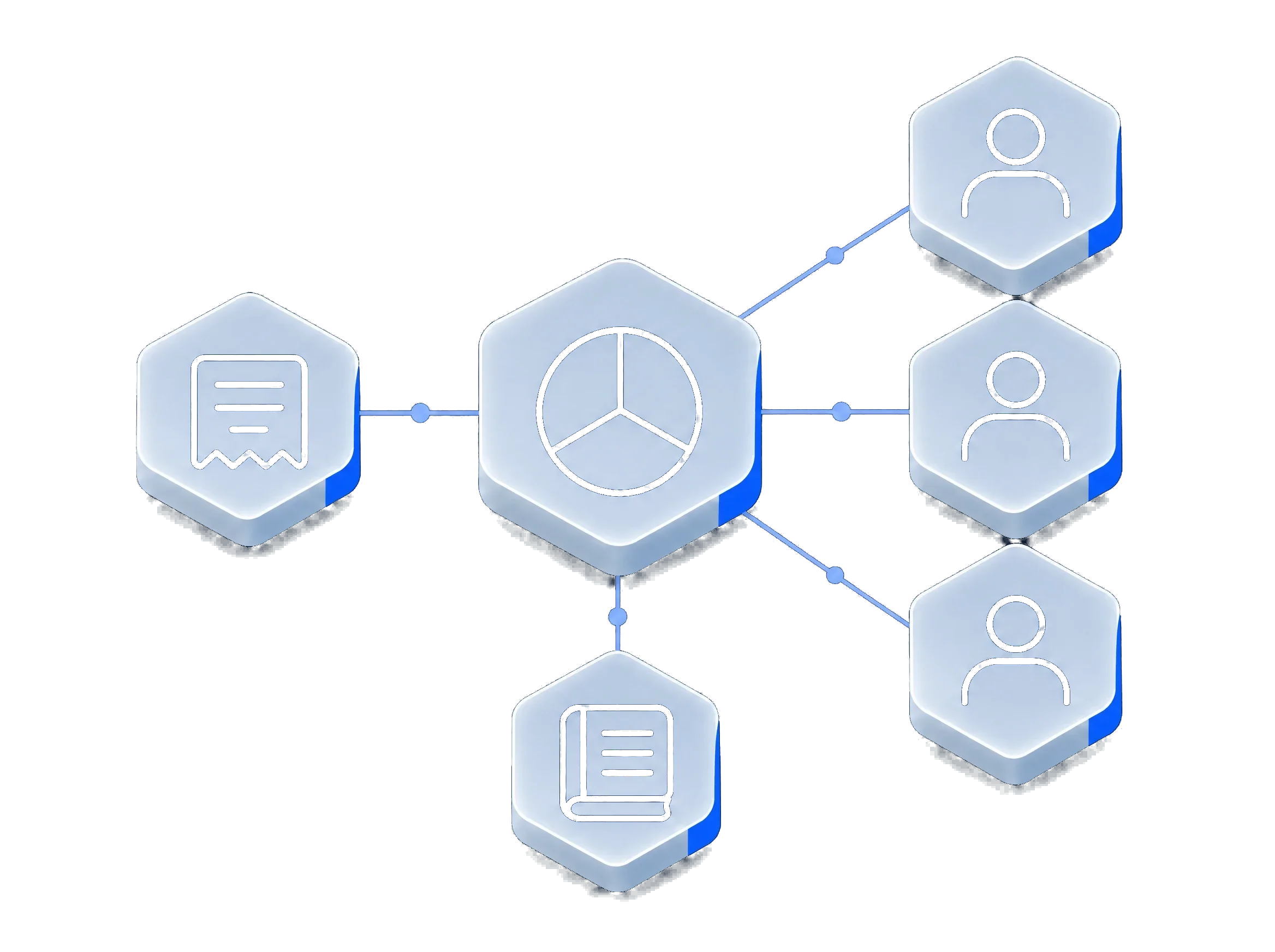
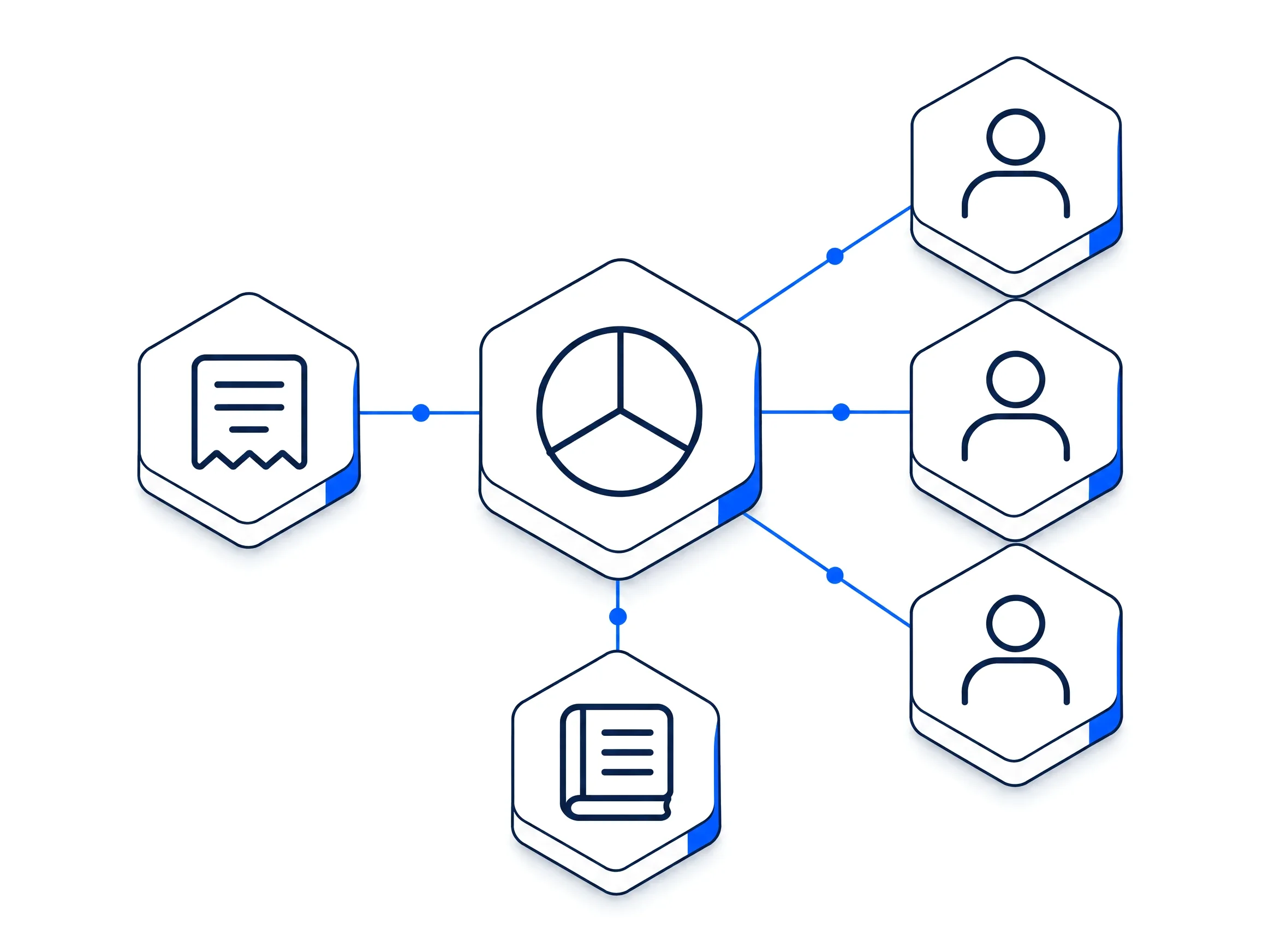
Commission plans, splits and a running ledger of what each sale has earned, worked out from the invoices themselves.
- Plans and assignments
- Set a commission plan and assign it to the people it covers.
- Shared credit
- Split the credit for a deal between the people who worked on it.
- Estimated and due
- Each invoice shows the commission it is expected to earn and what has fallen due.
- A ledger per person
- What each person has earned, deal by deal, in one place.
Works with myS1 Quotes, myS1 Invoicing and myS1 CRM.
Outlook Integration
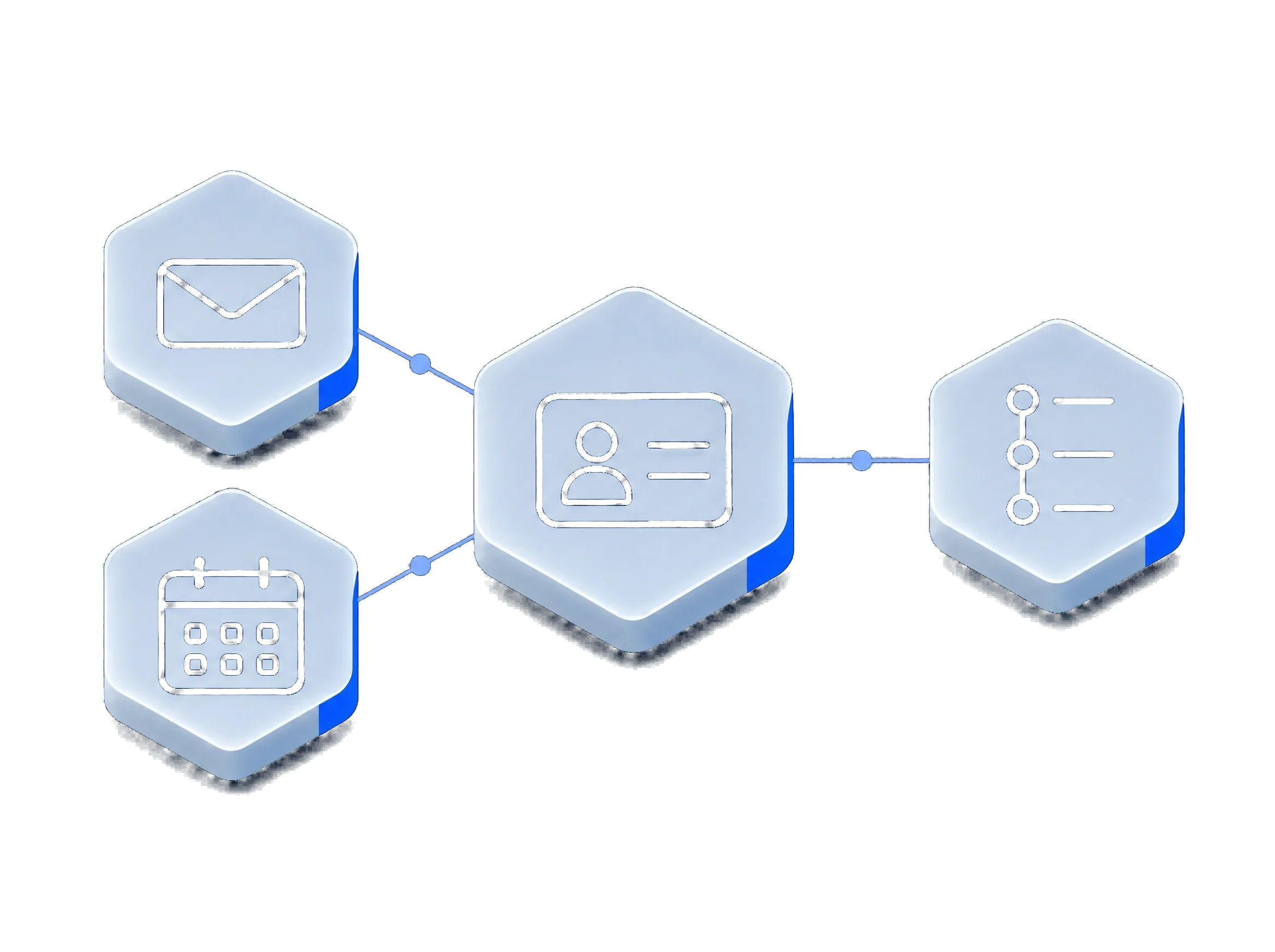
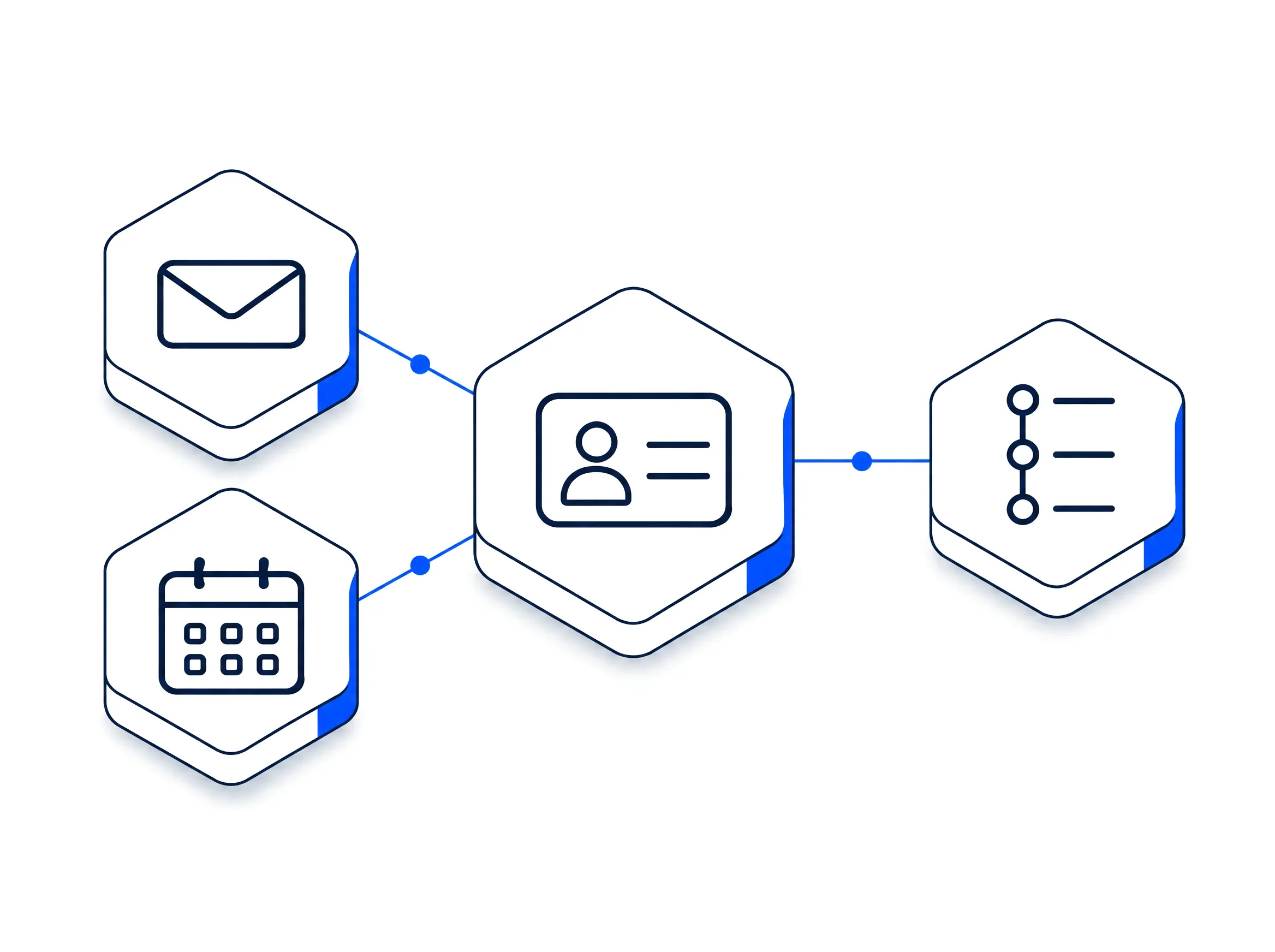
Email and meetings from Microsoft 365 land on the customer's timeline, so the record is complete without copying anything across.
- Email on the timeline
- Messages to and from a contact appear on their record in myS1 CRM.
- Meetings too
- Calendar meetings with a contact are logged against the company and the deal.
- Each person connects their own mailbox
- Sign in with Microsoft once. myS1 keeps the record up to date from there.
Works with myS1 CRM.
API Integrations
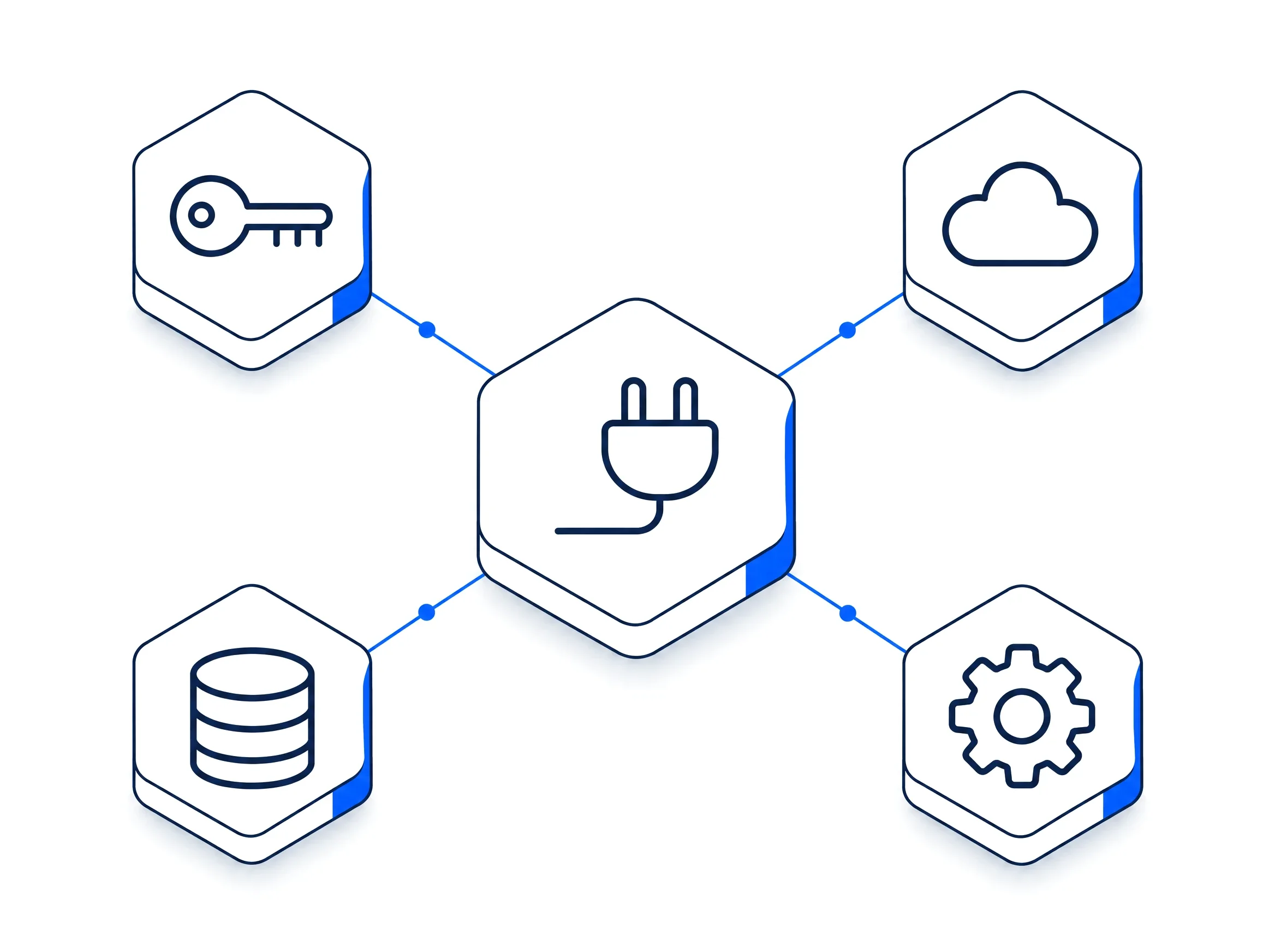
API tokens, webhooks and ready-made connections link myS1 to the other systems your business runs on.
- API tokens
- Issue a token for each system that reads from or writes to myS1, and revoke it when you need to.
- Webhooks out
- myS1 tells your other systems the moment something happens: a deal won, a quote accepted, an invoice paid.
- Webhooks in
- An incoming webhook can start an automation in myS1.
- Ready-made connections
- Set up a connection from a card, without writing code.
Works with myS1 Automations, myS1 CRM and myS1 Invoicing.
Questions about the platform
Another question about myS1? Write to [email protected].
- What is myS1?
- myS1 is a business operating system from mySolutions. Today it brings your CRM, catalogue and price books, quotes, invoicing, email marketing, automations and an AI assistant into one connected platform.
- Who is myS1 for?
- Owners, managers and teams at small and mid-sized businesses who are tired of retyping the same customer into several tools. If your sales, your quotes and your invoices live in different places today, myS1 is built for you.
- Can I bring my existing data in?
- Yes. Import companies, contacts, deals and activities from CSV or Excel with column mapping, a preview, duplicate handling and undo. Catalogue items import from CSV.
- How is my data kept separate from other customers?
- In the database itself. Every query is filtered to your business there, and the application connects with an account that cannot bypass that rule.
See how every myS1 module connects to the rest
Every module links to the ones beside it, and every link is working in myS1 today. Open a module to see what its links do for you.
- myS1 CRM
Connects to Catalogue, Quotes, Invoicing, Automations and Email Studio.
- myS1 Catalogue
Connects to CRM, Quotes and Automations.
- myS1 Quotes
- myS1 Invoicing
- myS1 Email Studio
Connects to CRM and Automations.
- myS1 Automations
Connects to CRM, Email Studio, Catalogue and Ask Otto.
- Ask Otto
Connects to CRM and Automations.
- Personas and dashboards
Connects to CRM and Automations.